

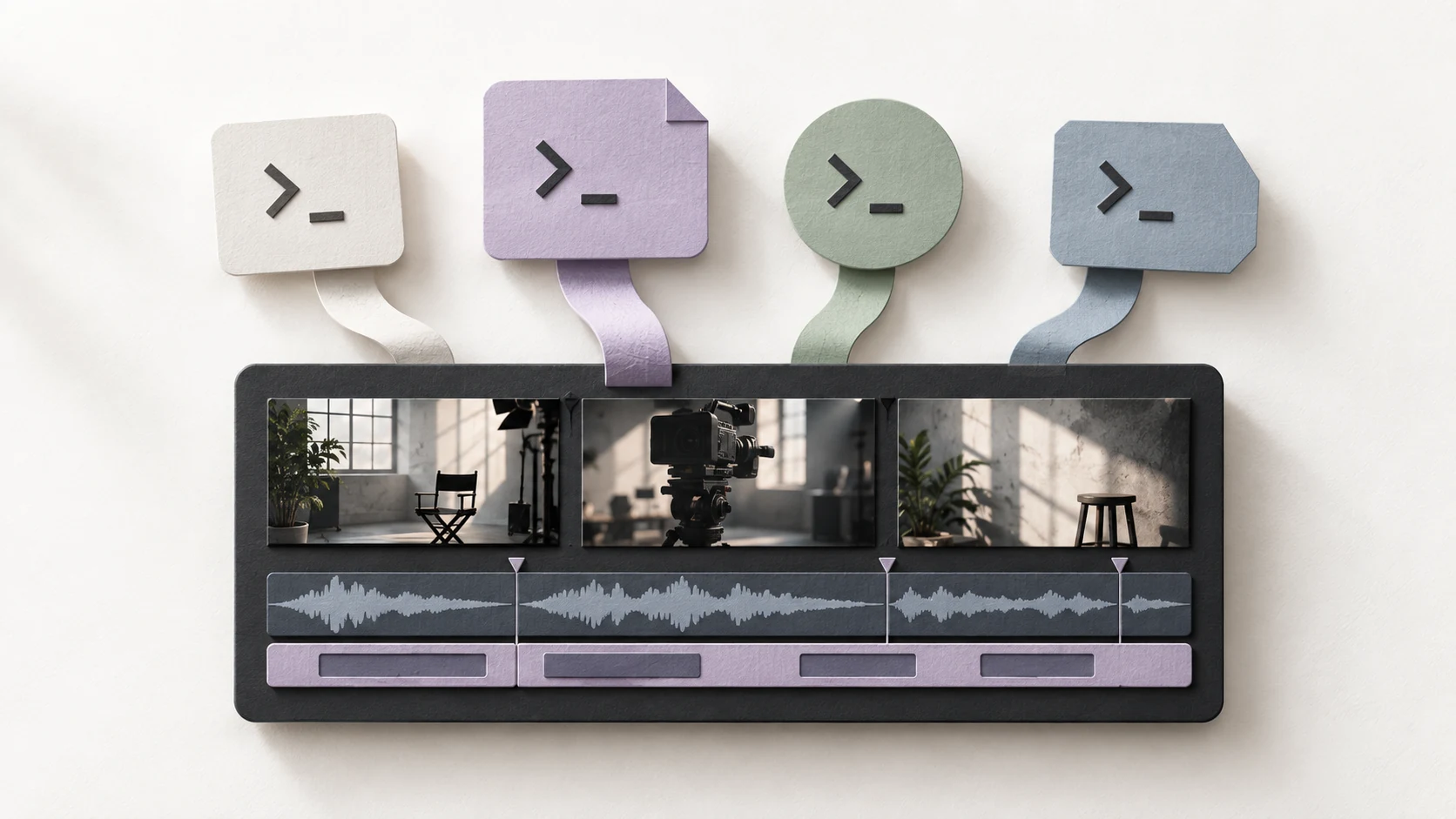
A queryable media index comes before any edit
An Agent that only sees filenames and duration does not know what happens inside a clip. OriginCut scans the project’s video, audio, and images into one media catalog, recording fundamentals such as resolution, frame rate, channels, timecode, file relationships, and availability.
The media-understanding pipeline can then extract speech transcripts, shot boundaries, visual changes, audio ranges, and semantic clues for retrieval. A long recording stops being one opaque binary file and becomes a set of evidence ranges that can be queried by time.
The index is stored separately from source media. Reopening a project or changing Agents does not require guessing from the beginning, and new or changed files can be updated incrementally instead of rebuilding the entire library every time.
THE SHORT ANSWEROriginCut does not put an entire video into one prompt. It keeps giving the Agent a clear, time-coded view of the evidence most relevant to the task at hand.
Semantic understanding stays tied to exact ranges
Indexing answers “what is here?” Semantic understanding answers “what is happening here?” One range may contain a person, place, action, spoken topic, ambient sound, and a judgment about shot quality. OriginCut connects those signals to exact ranges so requests such as “find the complete answer about pricing” or “find a shot of someone approaching the coast before sunset” become executable searches.
Semantic results are not treated as unquestionable truth. They are evidence that can be traced back to source media. The Agent receives candidate ranges, timecodes, and citations; the creator can understand why a shot was selected instead of receiving an unsupported recommendation.
This matters most with long recordings. The Agent does not have to rewatch hours of footage in every turn. It receives a project overview first, then follows relevant topics, people, or time ranges into more detailed evidence.
Context tools keep the Agent’s view clear
More context is not automatically better. Sending every transcript, frame description, and timeline object at once consumes the context window and buries important evidence in noise. OriginCut separates the media catalog, semantic search, range evidence, and timeline state into tools at different levels of detail.
The Agent can begin with a compact project view, then search for relevant ranges, request detailed evidence only where judgment is needed, and read a fresh timeline snapshot before making a change. That last step confirms that tracks, clips, and versions have not drifted since the plan was formed.
This is progressive context management: provide the map first, then open the local detail required by the task. Structured inputs and outputs let the Agent recover a clear view at any point in a long workflow instead of relying on fading conversational memory.
Creative intent becomes a plan before controlled edits
When you ask, “Cut this coastal footage into a 60-second film about setting out, filming, and sunset,” the Agent first searches and understands the material. It can then present a readable plan: which ranges carry the main story, which tracks hold supporting information, and how captions, music, and pacing should be organized.
Once the direction is clear, the Agent calls editing tools to create a sequence, place clips, trim ranges, add captions, or change tracks. Each tool has an explicit capability, input, and result. Operations that cross a sensitive boundary can require approval instead of giving the Agent an unrestricted “control the editor” interface.
Tool calls, media citations, and timeline changes stay connected. A failure identifies the step that did not complete. A successful edit can still be traced to its source range, its reason for placement, and the project state from which the next request should continue.
Project context belongs to OriginCut, not one Agent
Codex, Claude Code, OpenCode, and WorkBuddy may use different models and interaction styles, but they work with the same OriginCut project. The media index, semantic evidence, tool history, versions, and timeline state remain at the project layer, so switching Agents does not mean discarding the edit.
The Agent is a participant entering the project, not the project itself. It can understand context and perform tasks, but the result remains ordinary, editable clips, captions, audio, and tracks. The creator can accept, replace, undo, or continue refining the work with another sentence.
That is the difference between OriginCut and “one sentence generates one finished video.” The Agent reduces search and execution cost without sealing judgment inside a one-shot output. Project context becomes clearer over time while creative control stays on the timeline.
Questions, answered
Does the Agent reread every full video for each request?
No. OriginCut builds a reusable media index and updates it when media changes. The Agent usually reads a project overview first, then requests only the ranges relevant to the current task.
What if semantic understanding is wrong?
Semantic results are treated as candidates with source citations and timecodes, not immutable truth. A creator can inspect the original range, while the Agent can widen the search or query the material differently.
Will switching Agents lose context?
Project-level context remains. The media index, timeline, versions, and tool history belong to the OriginCut project, allowing another Agent to continue from the same state.
Do I need to buy another bundled AI subscription?
No additional OriginCut AI subscription is required. Connect an existing Agent account; subscriptions, usage limits, and API charges are set by the provider.
Does my media have to be uploaded to the cloud?
OriginCut manages media and indexes around a local project and local Agent workflow. If your chosen Agent or model service uses the network, its data boundary still depends on that provider’s policy and the account you use.